Community
GOAT Network Airdrops Claim Guide
GOAT Network distributes rewards across several tracks. Each track has its own eligibility criteria, reward asset, and claim window. This guide walks through how to claim from each one.
Airdrop Types and Eligibility
Community Airdrop - One Piece Season 4 - Phase 2
- Reward token: USDT (bridged stgUSDT on GOAT Network).
- Eligibility: Addresses that participated in the Bridge, GoatUp, and Oku interaction tasks during One Piece Season 4 - Phase 2 (Dec 19, 2025 - Apr 17, 2026).
- Claim window: April 22, 2026 12:00 UTC -> July 21, 2026 12:00 UTC.
- Unclaimed USDT returns to the GOAT Treasury after the deadline.
Preparations Before Claiming
Wallet setup
- Prepare an EVM-compatible wallet address such as OKX, MetaMask, Bitget, Coinbase Wallet, OneKey, or WalletConnect.
- For the most stable flow, use a browser extension wallet on desktop.
- Mobile wallets via WalletConnect are supported, but can be less stable during claim confirmation.
Gas preparation
- Transactions on GOAT Network require native BTC gas.
- Minimum gas per claim is about $0.01.
- Recommended balance: at least
0.0000001 BTC. - Top up via the official bridge: GOAT Bridge.
Network setup
If the network is not auto-added, configure it manually:
| Parameter | Value |
|---|---|
| RPC URL | https://rpc.ankr.com/goat_mainnet |
| Chain ID | 2345 |
| Network Name | GOAT Network |
| Currency Symbol | BTC |
Community Airdrop Claim Process
Open the claim page
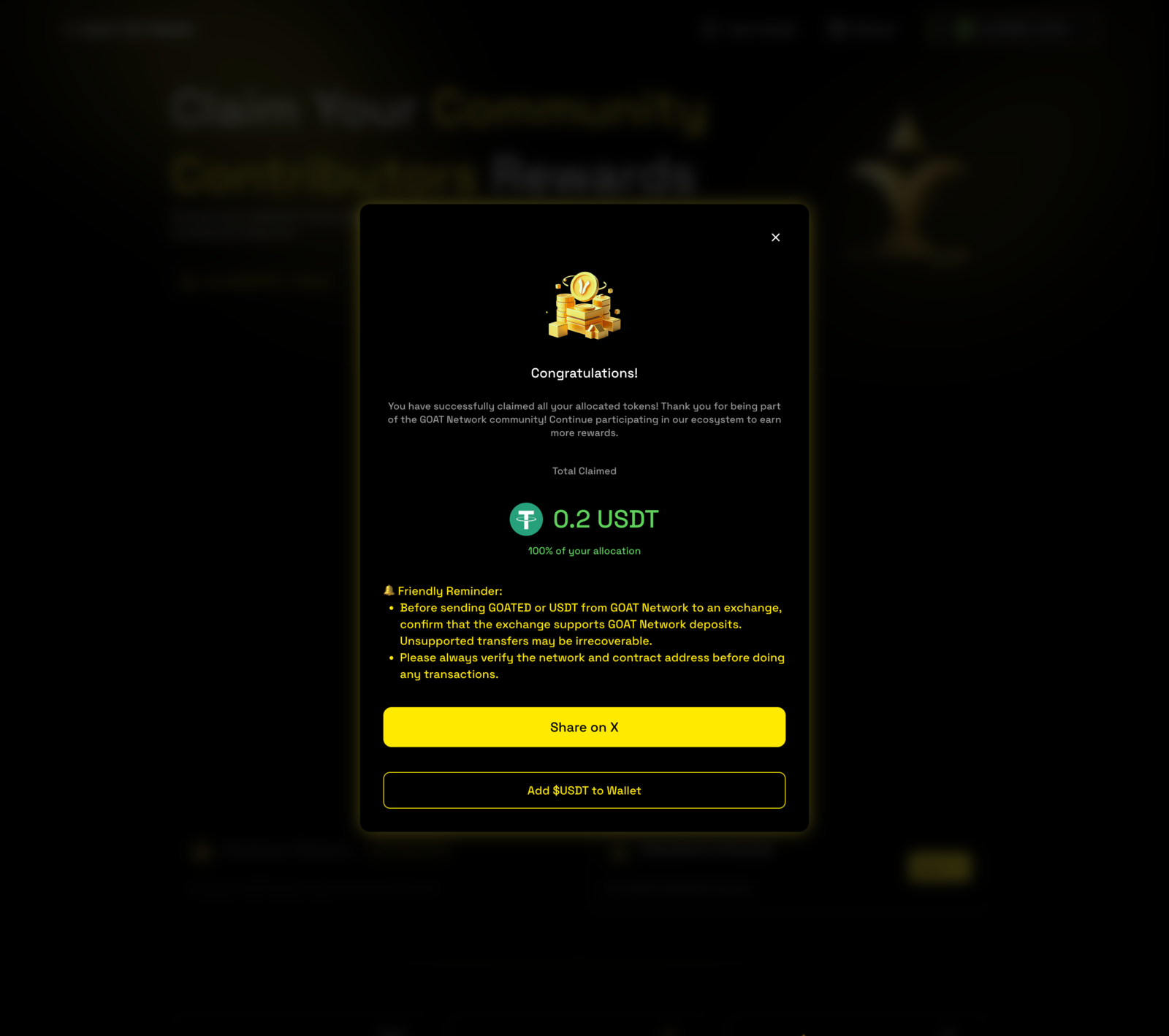
- Open airdrops.goat.network and select the Community Contributors Rewards tab.
- Click Connect Wallet and connect your EVM wallet.
- The page automatically runs an eligibility check and prompts you to sign a wallet-verification message. This verification step does not consume gas.

Review your allocation and submit the claim
- If eligible, your USDT allocation appears on the claim panel.
- Click Claim.
- Read the Terms dialog and confirm the transaction in your wallet.
- Pay the BTC gas fee and wait for on-chain confirmation.
Claim success and post-claim actions
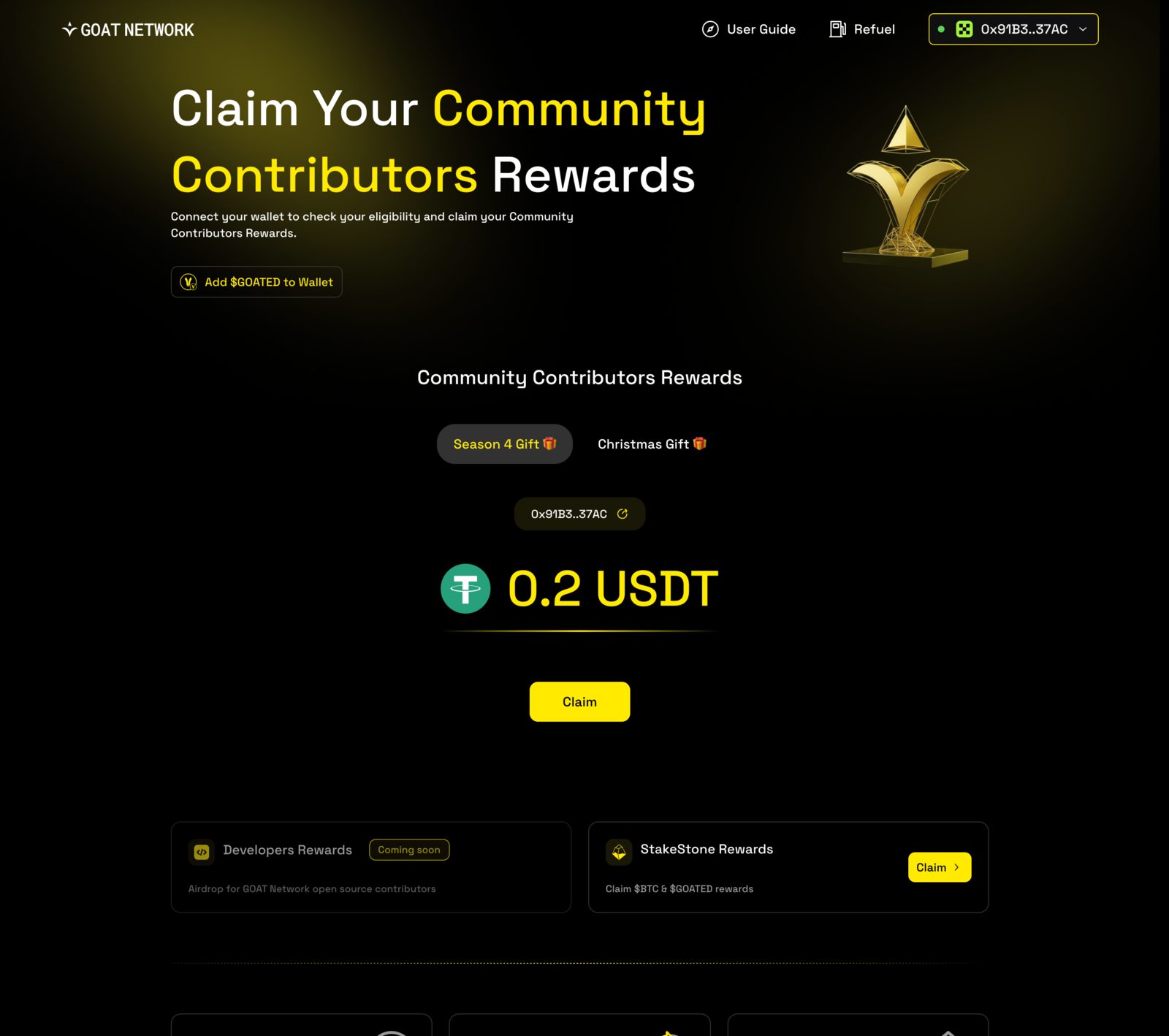
- After confirmation, a success screen shows the claimed amount.
- Click Share on X if you want to share the result.
- Click Add $USDT to Wallet to register USDT in your wallet for easier tracking.
If you already claimed, the page detects the on-chain state and shows You have successfully claimed all your allocated tokens! together with the historical amount.